Showing posts with label JQuery UI Datepicker in ASP.NET MVC 5. Show all posts

Thursday, December 18, 2014

JQuery Datepicker in asp.net MVC 5 With Snapshots

JQuery Datepicker in asp.net MVC 5


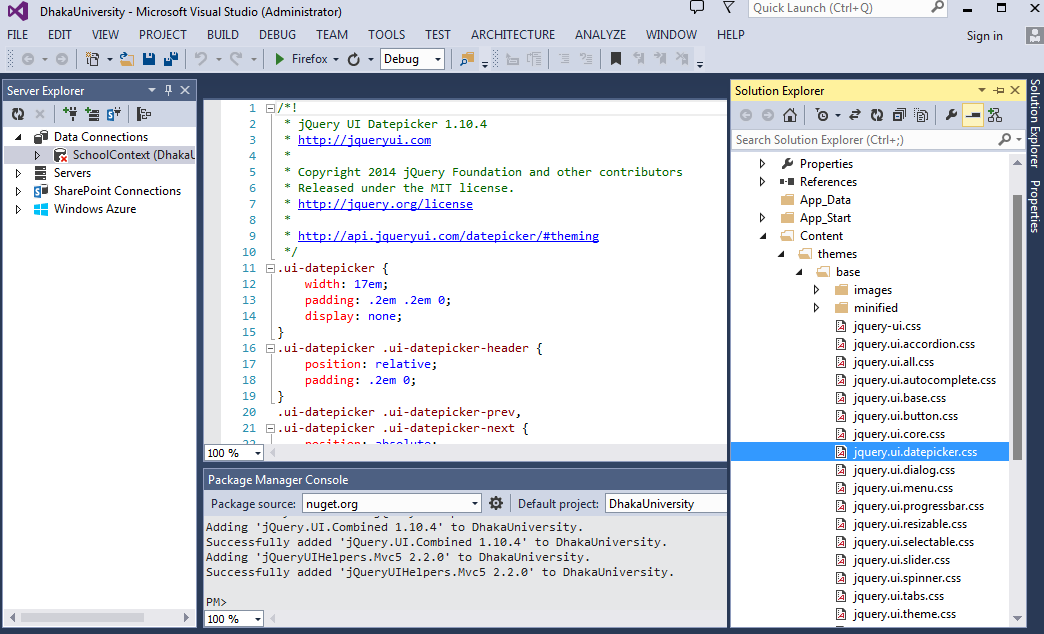
STEP-1:Tools > Library Package Manager>Package Manager Console


STEP-2: Install The Package "Install-Package jQueryUIHelpers.Mvc5"

               PM> Install-Package jQueryUIHelpers.Mvc5 


STEP-3:In the BundleConfig file create  new bundles

bundles.Add(new ScriptBundle("~/bundles/jqueryui").Include(
            "~/Scripts/jquery-ui-{version}.js",
            "~/Scripts/jquery-ui.unobtrusive-{version}.js"));

And


bundles.Add(new StyleBundle("~/Content/themes/base/css").Include(
        "~/Content/themes/base/jquery.ui.core.css",
        "~/Content/themes/base/jquery.ui.datepicker.css",
        "~/Content/themes/base/jquery.ui.theme.css")); 

STEP-4:Render the bundles on the layout page

@Styles.Render("~/Content/css")
@Styles.Render("~/Content/themes/base/css")


@Scripts.Render("~/bundles/jquery")
@Scripts.Render("~/bundles/jqueryval")
@Scripts.Render("~/bundles/jqueryui"
 

 OR
 (If  The layout does not get the css properly )

   <link href="~/Content/bootstrap.min.css" rel="stylesheet" />
    @Scripts.Render("~/bundles/modernizr")
    @Styles.Render("~/Content/themes/base/css")

    <link href="~/Content/themes/base/jquery-ui.css" rel="stylesheet" />
    @Scripts.Render("~/bundles/jquery")
    @Scripts.Render("~/bundles/jqueryval")
    @Scripts.Render("~/bundles/jqueryui")

STEP-5:  
              Add JQueryUI().Datepicker at Views e.g.

 @Html.JQueryUI().DatepickerFor(model => model.EnrollmentDate)

STEP-6:
               Build the Solution to get like-

STEP-7:            
               Date Format using Data Annotation:

To get dd/mm/yyyy format for example 24/12/2013, the Data Annotation Attribute
[DisplayFormat(ApplyFormatInEditMode = true, DataFormatString = "{0:dd/MM/yyyy}")]  can be used...


STEP-8:
               Display Name Using data annotation-

STEP-9: 
                To get...

Another Example of JQuery UI Datepicker in asp.net MVC5    here

Tuesday, February 25, 2014

JQuery UI Datepicker Popup Calendar with ASP.NET MVC 5

JQuery UI Datepicker in ASP.NET MVC 5 STEP BY STEP

STEP-1: 

Tools > Library Package Manager>Package Manager Console


PM> Install-Package jQueryUIHelpers.Mvc5 
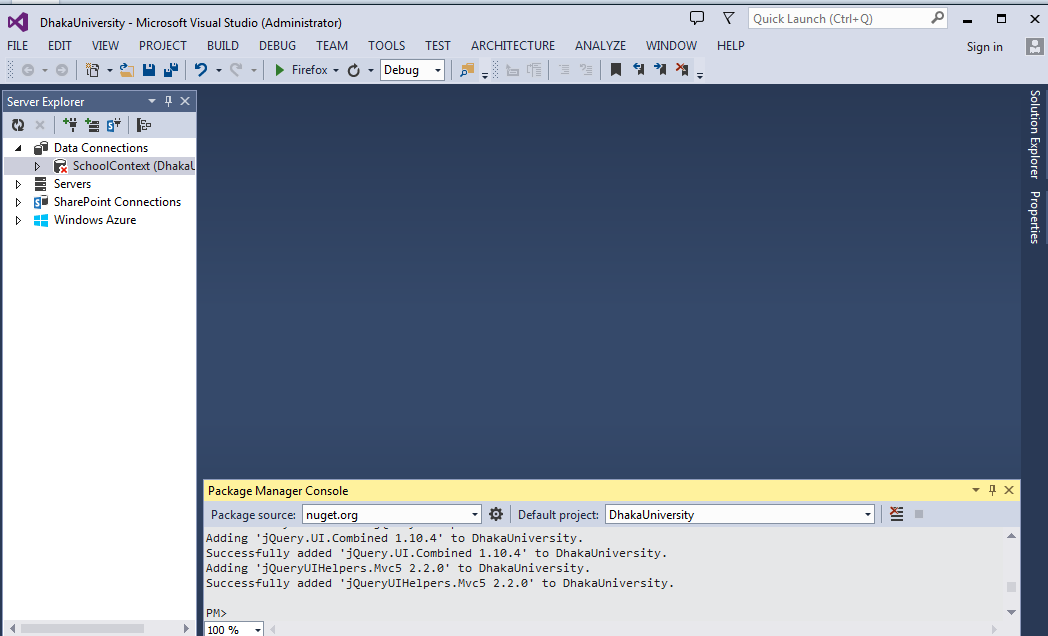
 

  Concentrate on the Images carefully(double Click) for JQuery Datepicker in asp.net MVC 5:

STEP-2: 


In the BundleConfig file create a new bundle((for the jquery-ui.unobtrusive-x.y.z.js). It is also possible to add this to the jQuery UI bundle so it will always be included when jQuery UI is referenced. The following example demonstrates this.)


bundles.Add(new ScriptBundle("~/bundles/jqueryui").Include(
            "~/Scripts/jquery-ui-{version}.js",
            "~/Scripts/jquery-ui.unobtrusive-{version}.js"));

Make sure there is also a bundle with the required jQuery UI CSS files. The example below shows how to create one that uses only the JQuery UI datepicker, but all other CSS files can be included in the list.


bundles.Add(new StyleBundle("~/Content/themes/base/css").Include(
        "~/Content/themes/base/jquery.ui.core.css",
        "~/Content/themes/base/jquery.ui.datepicker.css",
        "~/Content/themes/base/jquery.ui.theme.css")); 

Render the bundles on the layout page or the views that need them. Add the jQuery UI CSS files like so (you also have to define the bundle in BundleConfig):
@Styles.Render("~/Content/css")
@Styles.Render("~/Content/themes/base/css")
And the JavaScript files
@Scripts.Render("~/bundles/jquery")
@Scripts.Render("~/bundles/jqueryui")
If you use client side validation include the validation scripts before the jQuery UI Helpers script      

@Scripts.Render("~/bundles/jquery")
@Scripts.Render("~/bundles/jqueryval")
@Scripts.Render("~/bundles/jqueryui" 

STEP-3:
The library adds a single extension method JQueryUI<TModel>()which serves as the entry point of the library

The jQuery UI Helpers entry point.


For example  a simple JQuery Datepicker can be like this:

             <div>
                <label for="date">Select a date:</label>
                @Html.JQueryUI().Datepicker("date")
             </div>

Detail example of a JQuery UI Datepicker in asp.net mvc5:

Model>model.cs

    [DisplayFormat(ApplyFormatInEditMode = true, DataFormatString = "{0:dd/MM/yyyy}")]
    [DisplayName("Due Date")]
    public DateTime? InsDueDate { get; set; }


View > Create >create.cshtml

 <div class="form-group">
@Html.LabelFor(model => model.InsDueDate, new{@class = "control-label col-md-2"})
                

     <div class="col-md-10">

                    <label for="Install Due Date"></label>
                     @Html.JQueryUI().DatepickerFor(model => model.InsDueDate)
                     @Html.ValidationMessageFor(model => model.InsDueDate)

    
     </div>           
 </div>

To Get:


FOR More Than One Month

The jQuery UI widgets have many options to customize their behaviour. The jQuery UI Helpers library supports this with a fluent configuration API.
Another JQuery UI Datepicker in asp.net MVC 5 can be created like the below:

<div>
<label for="anotherDate">Select another date: </label>
@(Html.JQueryUI().Datepicker("anotherDate").MinDate(DateTime.MinValue).ShowButtonPanel(true)
.ChangeYear(true).ChangeMonth(true).NumberOfMonths(2))